
JIRA to Notion
is this possible?

In today's digital era, effective project management and collaboration tools are essential for teams. Jira, known for its powerful issue and project-tracking capabilities, has been a leader in this space, especially for software development teams. On the other hand, Notion, with its all-in-one workspace approach, has become increasingly popular for its versatility, allowing users to create databases, notes, tasks, and collaborate seamlessly.
If you're considering moving your team's operations from Jira to Notion, then this article will help you to break down the key differences.
1. Understand the Differences:
Before diving into migration, it's vital to understand the core differences between the two platforms:
Nature of Use: While Jira is predominantly an agile project management tool tailored for software development, Notion is a more generalized tool that can be shaped into any form – from personal notes to comprehensive company wikis.
Customization: Jira has workflows and custom fields tailored for software lifecycle processes. Notion, on the other hand, is like a blank canvas with modular blocks that you can configure any way you want.
Integrations: Jira integrates seamlessly with other Atlassian products and has a vast marketplace of apps. Notion's API has been evolving, enabling more third-party integrations over time.
2. Can Notion support X, Y Z?
a. Timeline
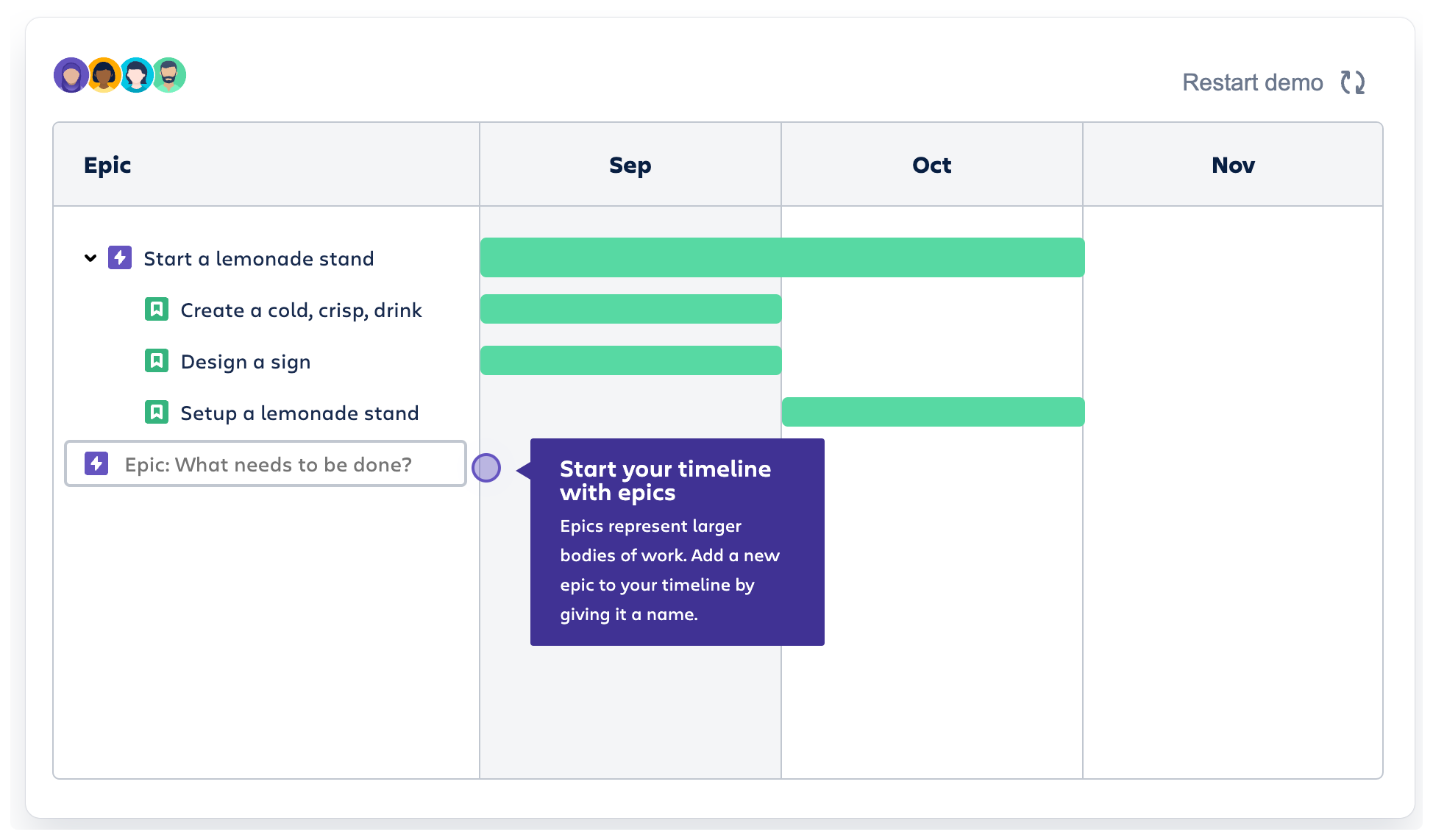
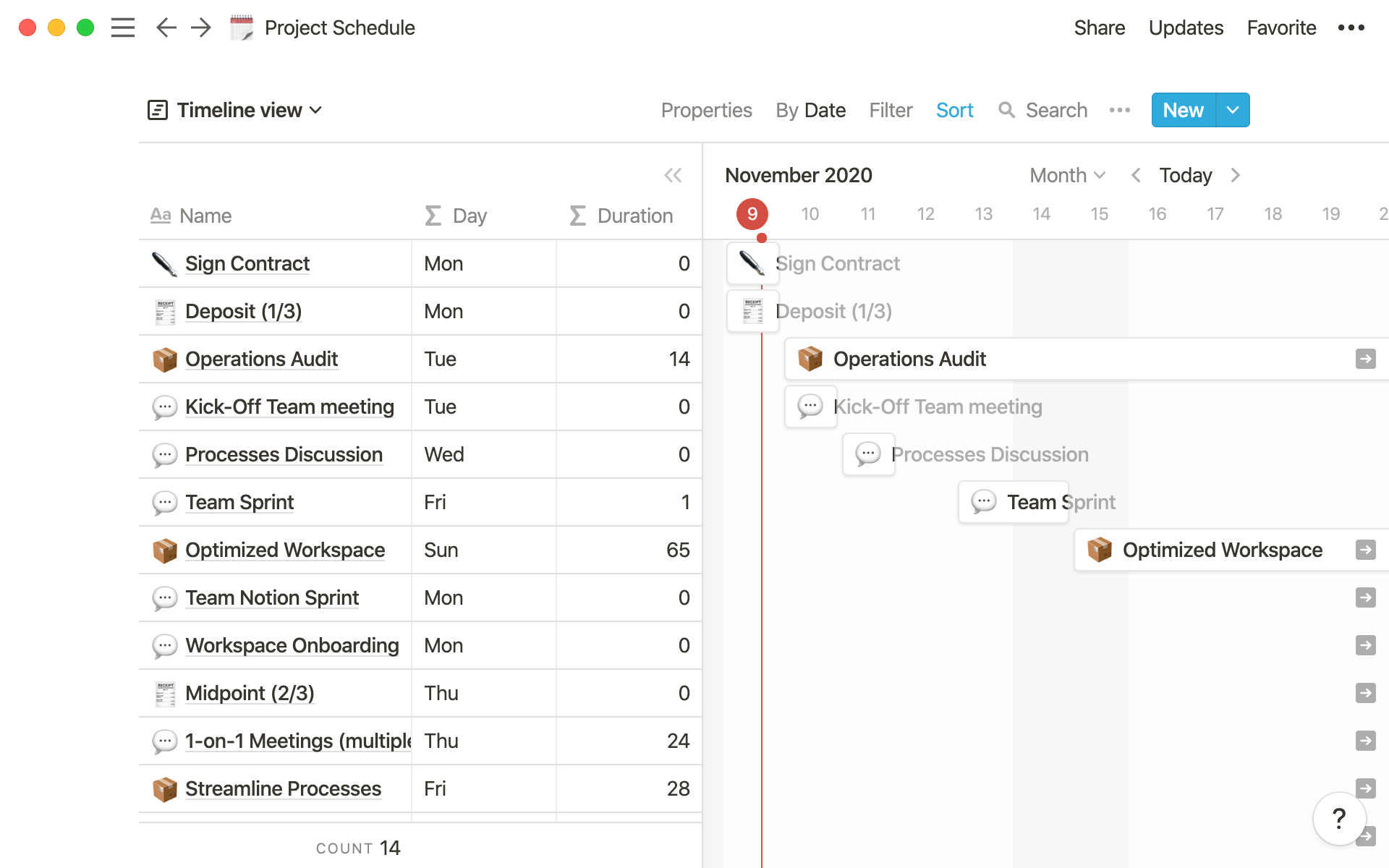
This is a key feature in JIRA where the manager can keep track of their team’s progress in a timeline view. Notion offers an equivalent tool with more enhancement such as a formula to keep track of due dates.
That being said I personally prefer the more structured look of JIRA when it comes to timeline and I rarely use it in Notion.
b. Kanban

Arguably the heart of a project management tool. This is present in Notion and I’m confident to say it’s 10x more helpful in Notion than JIRA. The reason is the ability to treat each of the cards as part of a Word document-like function where you can quickly input information and communicate with your team.
If you’re worried about the ability to replicate JIRA’s Epic, User Story functionality then Notion is more than capable of recreating it using relation & rollup.
Reporting & Insights
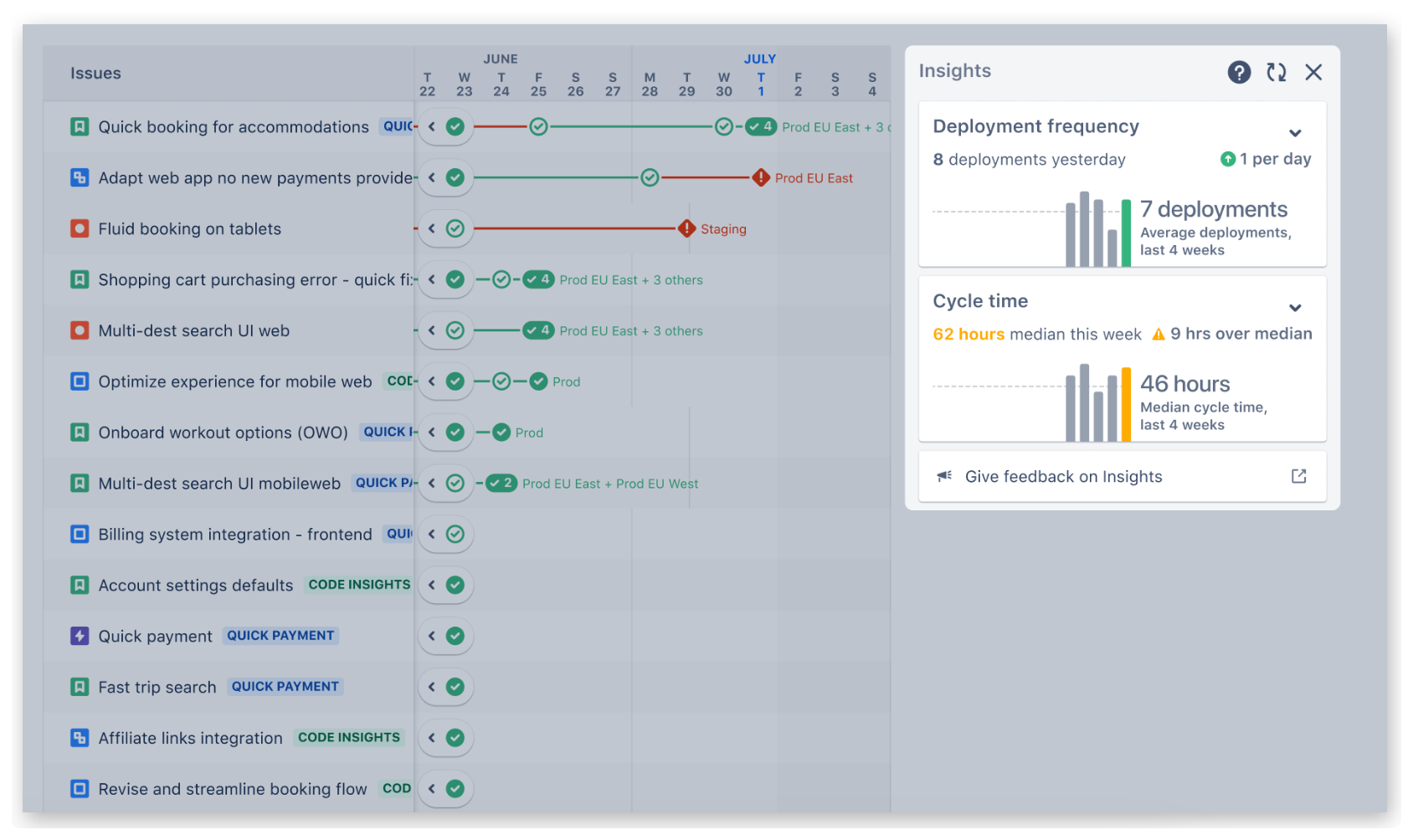
This is definitely one of Notion’s biggest weaknesses when it comes to widespread adoption. There’s currently no out-of-the-box tool for analytics and at most, you can rely on is Notion formula which can perform basic analytics such as tracking project status & completion date.
That being said, there are 3rd party tools such as GRID.is which provides real-time sync to Notion database and functions similarly to Power BI or Tableau.
Automation & 3rd party integration
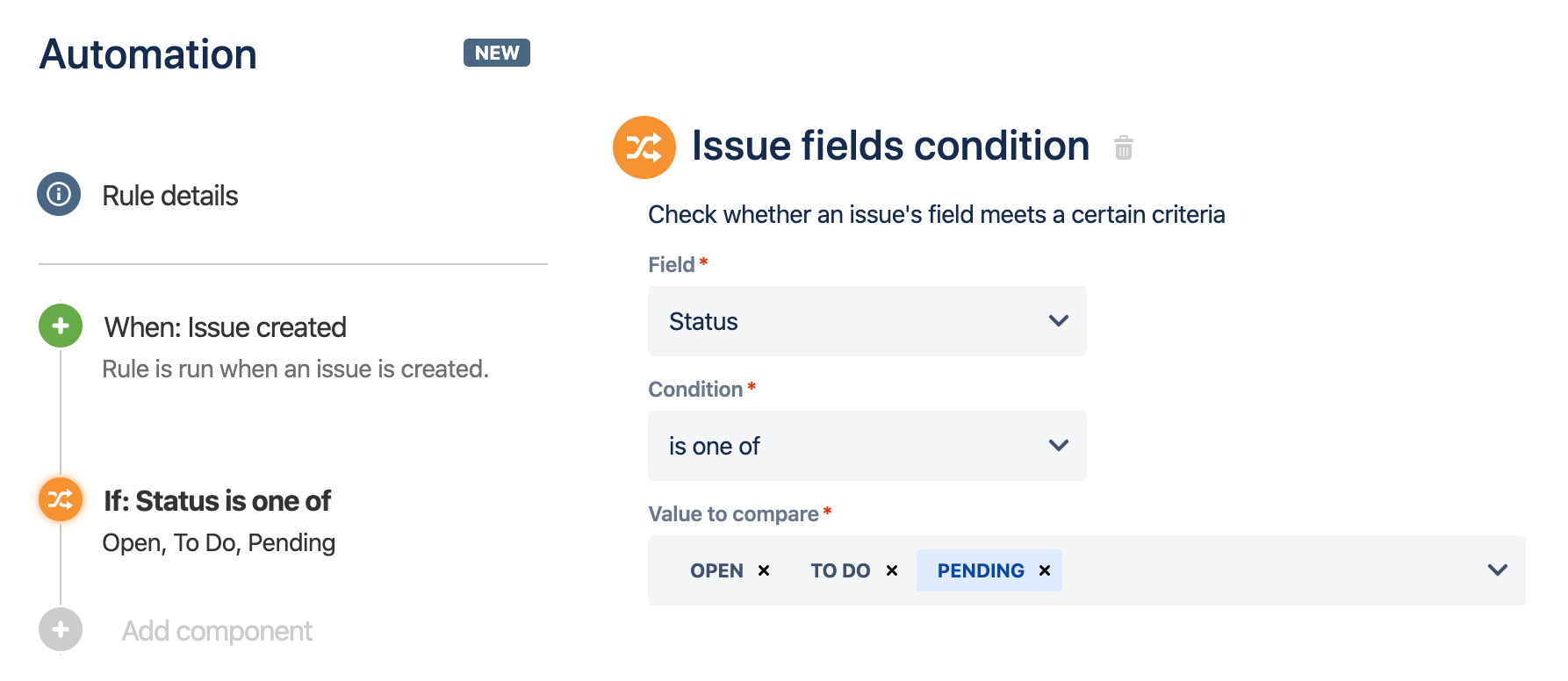
Thanks to the recent rollout of database automation in Notion. It’s become possible to perform native automation in Notion which is comparable to what is available in JIRA.
Other than that, Notion is also supported by 3rd party tools like Zapier & Make which opens up the world of API to other popular software.
It’s definitely more capable than JIRA as from my previous experience working with its API has been frustrating due to its various access restrictions and development time.
3. Is Notion Worth It?

If you’re hoping Notion will solve all your existing problems in JIRA then it’s a NO. Like any other tool, Notion is just another software that while providing extreme flexibility, also comes with setbacks of a higher learning curve and less user restriction.
My advice is to write down the existing challenges that you’re facing in your team when it comes to JIRA and consult a professional on whether Notion is the right tool for you, such as ME :)